When I started in Industrial Design, I knew my computer would become one of my most important tools.
Between CAD modeling, Adobe Creative Cloud, rendering, research, and dozens of browser tabs that somehow never get closed, I wanted a computer that could keep up without constantly making compromises.
Rather than buying a prebuilt system, I decided to build one myself.
The result is a workstation that balances performance, upgradeability, reliability, and value while handling everything I throw at it.
Here’s a breakdown of what I chose and why.
PC Components
These are the parts in the PC I am actively writing this on.
MSI RTX 5060 Ti
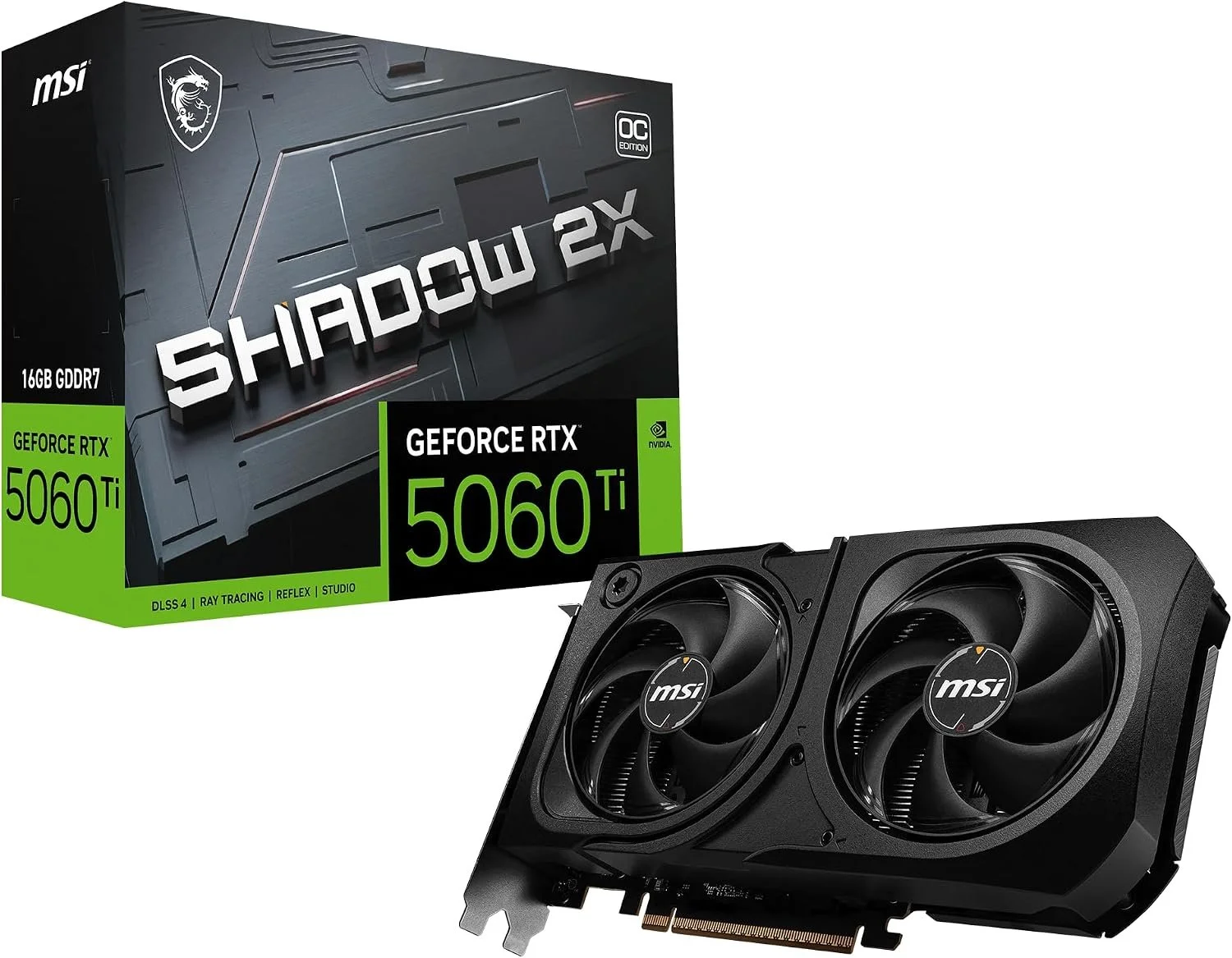
The graphics card is one of the biggest reasons this computer feels responsive under load. While it's certainly capable of gaming (absolute monster, performance set to max on every game I play), I built this system around creative work first. From navigating complex CAD assemblies in Fusion 360 to accelerating Adobe applications and experimenting with rendering workflows, the RTX 5060 Ti has provided more than enough performance for everything I do. It also leaves plenty of room to grow as my projects become more demanding throughout design school. I trust msi as a brand much more than generic brands like Zotac and PNY, especially for a component as crucial (and expensive) as a GPU today.
AMD Ryzen 7 9700X
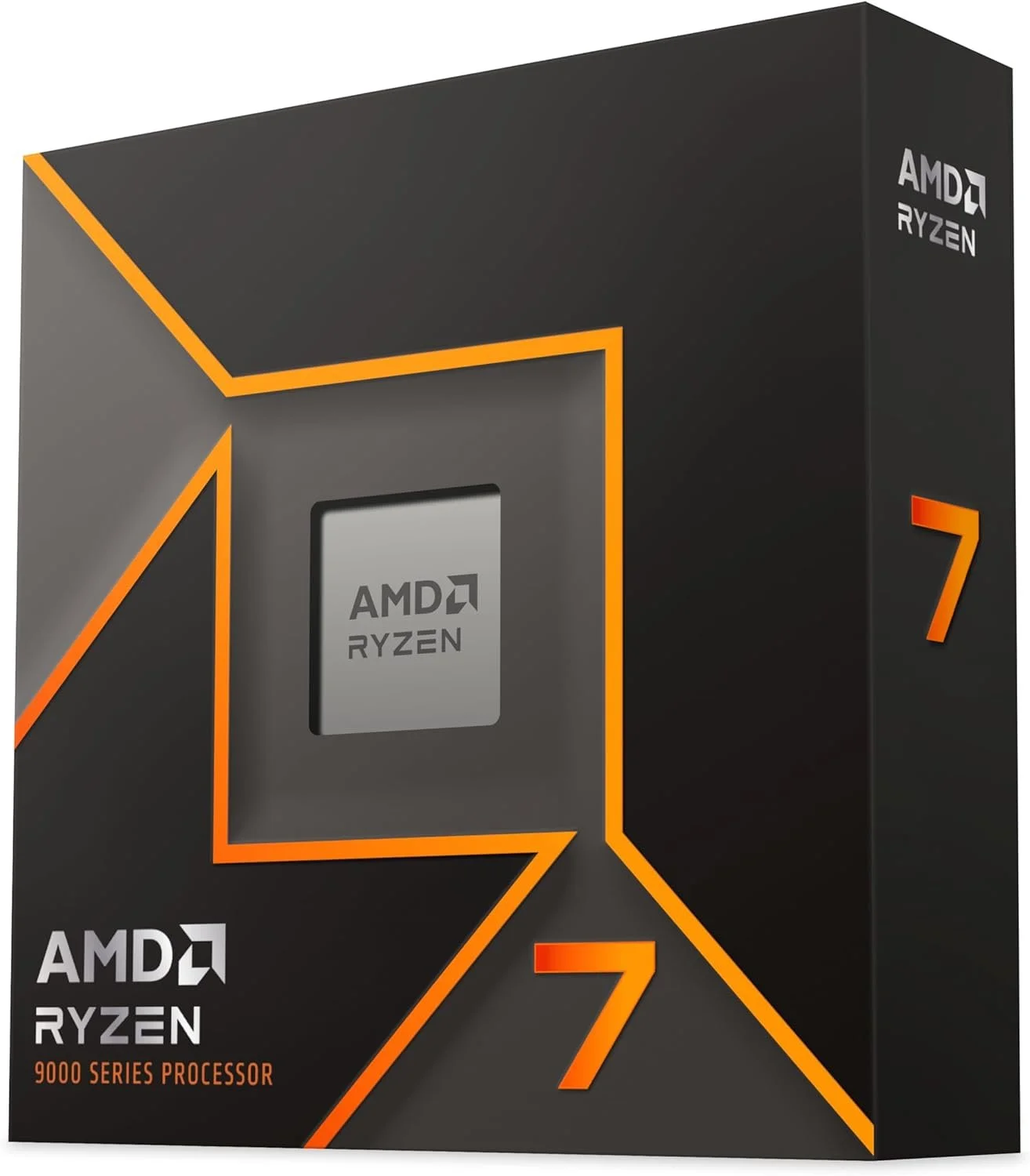
I wanted a processor that could comfortably handle multitasking without venturing into workstation-level pricing. Between Fusion 360, Photoshop, Illustrator, Edge, Spotify, and whatever else I inevitably have open, the Ryzen 7 9700X hasn't skipped a beat. It's efficient, fast, and gives me confidence that my computer won't be the thing slowing down my creative process. Massive step up from the Ryzen 5 2600 I had previously.
32GB Corsair DDR5 Memory
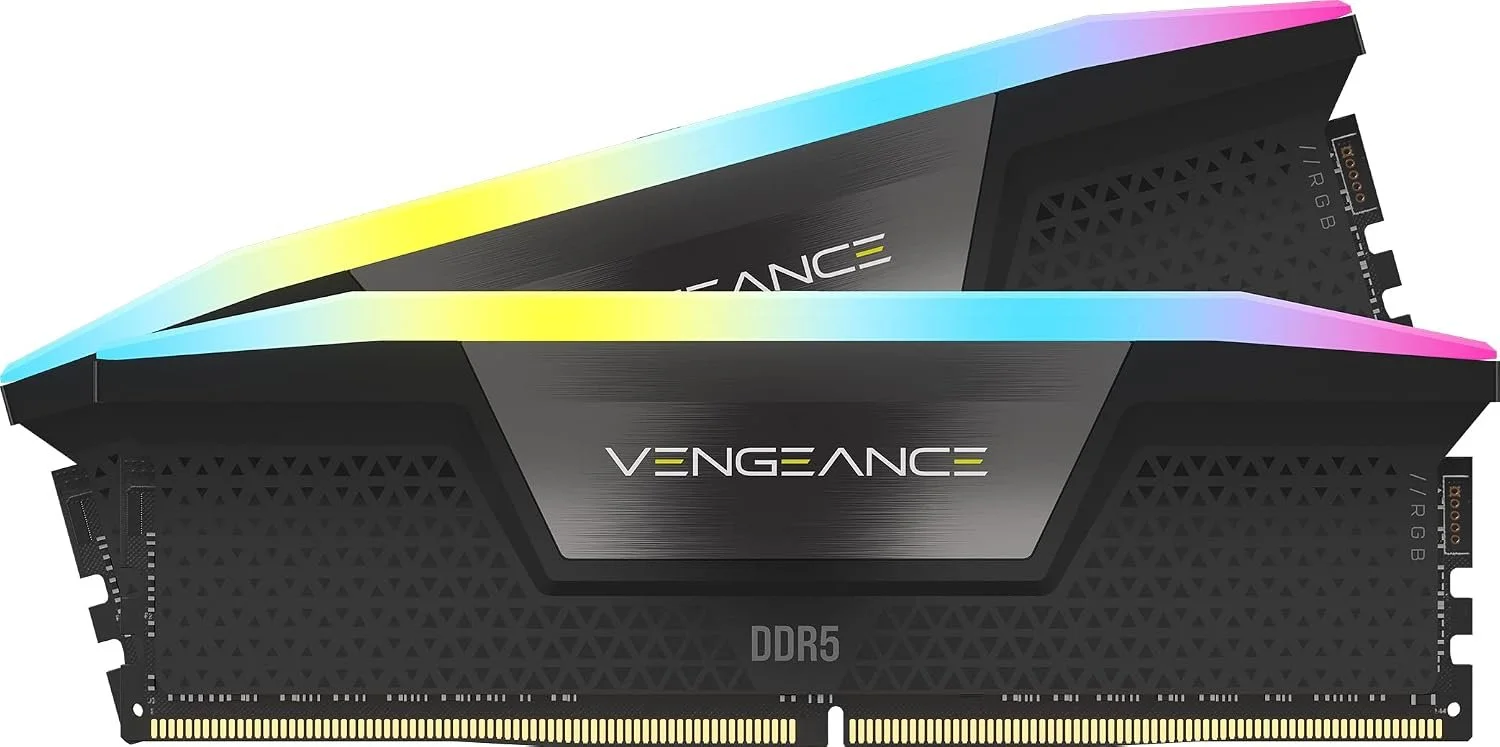
Design software loves memory. Having 32GB of DDR5 means I rarely think about what's running in the background. I can bounce between Adobe Creative Cloud, CAD, dozens of browser tabs, and large files without constantly worrying about closing applications to free up resources. For anyone building a creative workstation today, I'd consider 32GB the sweet spot.
Samsung 990 EVO Plus NVMe SSD
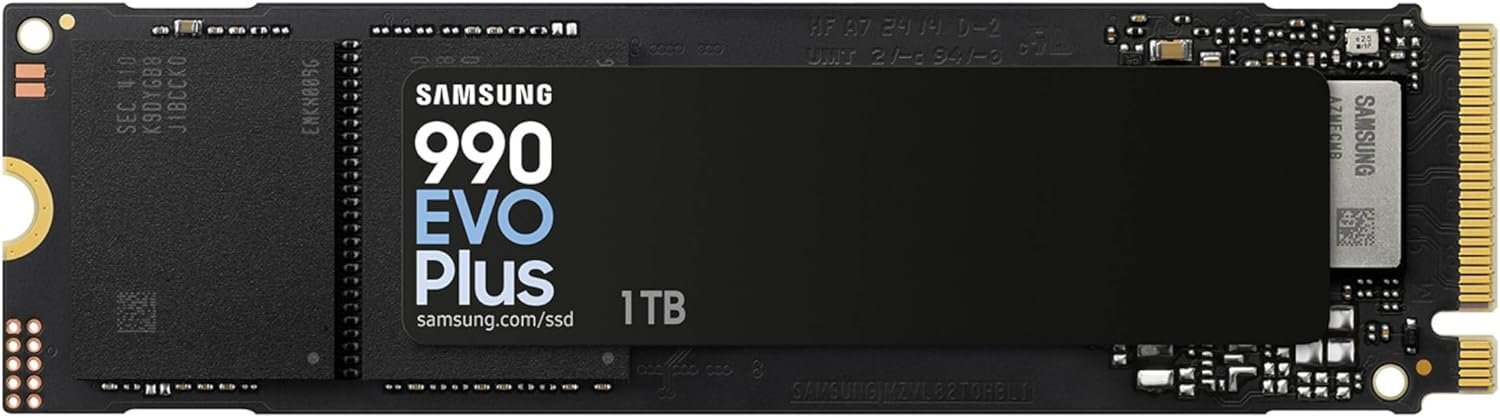
Fast storage makes every part of using a computer feel better. Programs launch quickly, large files open in seconds, and Windows feels consistently responsive. This drive houses my operating system and active projects, and it's been one of those upgrades you stop noticing because everything simply works way faster.
Cooler Master Hyper 212 Halo
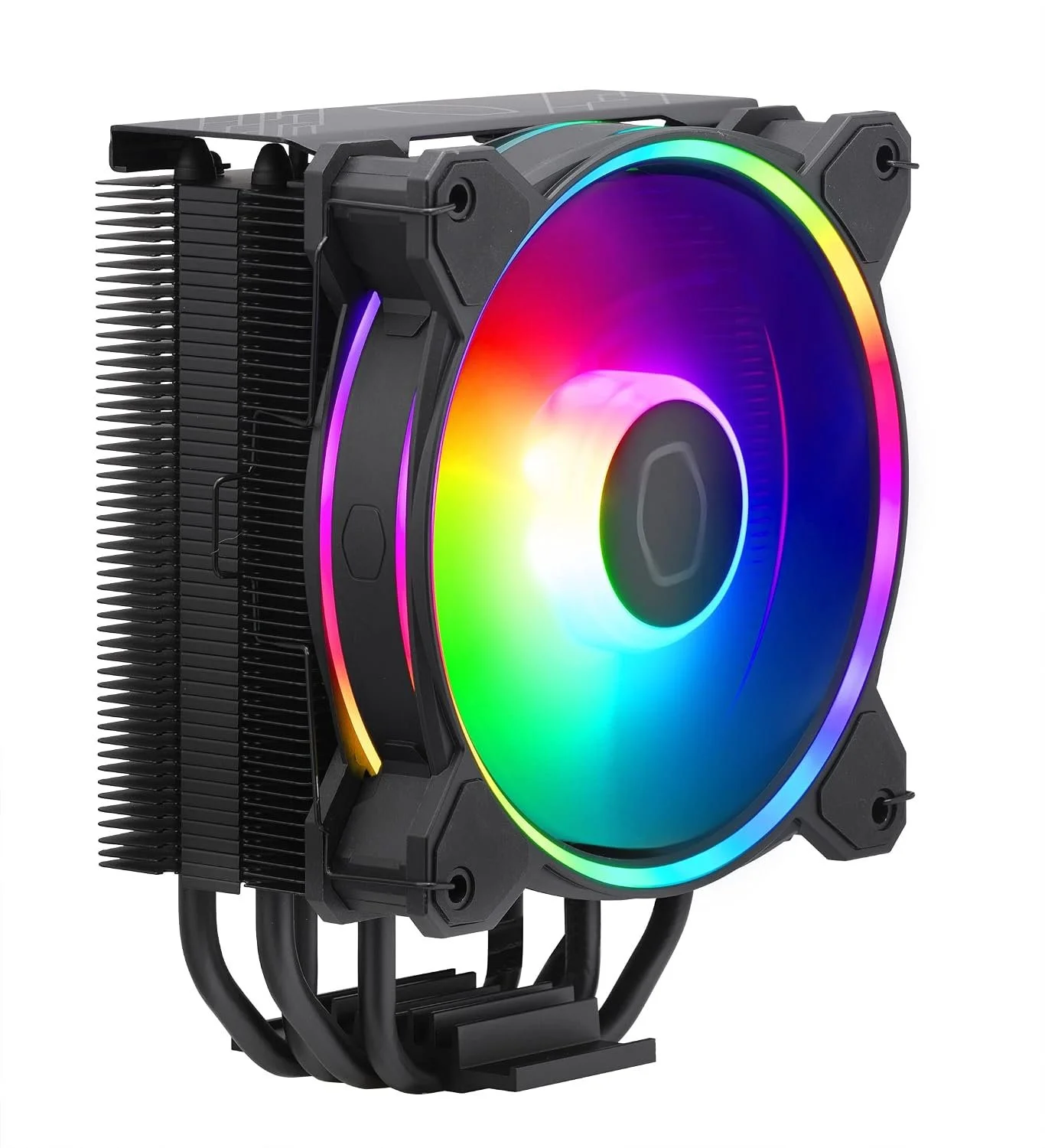
I've always appreciated hardware that strikes a balance between performance, reliability, and value, and the Hyper 212 Halo does exactly that. It keeps my Ryzen 7 cool during long sessions and multitasking without adding unnecessary noise. I also love the clean black finish and Halo RGB fan, which give the cooler a polished look without feeling over-the-top. It's a great example of a product that's been refined over the years because it simply works.
Cooler Master Halo RGB Fans
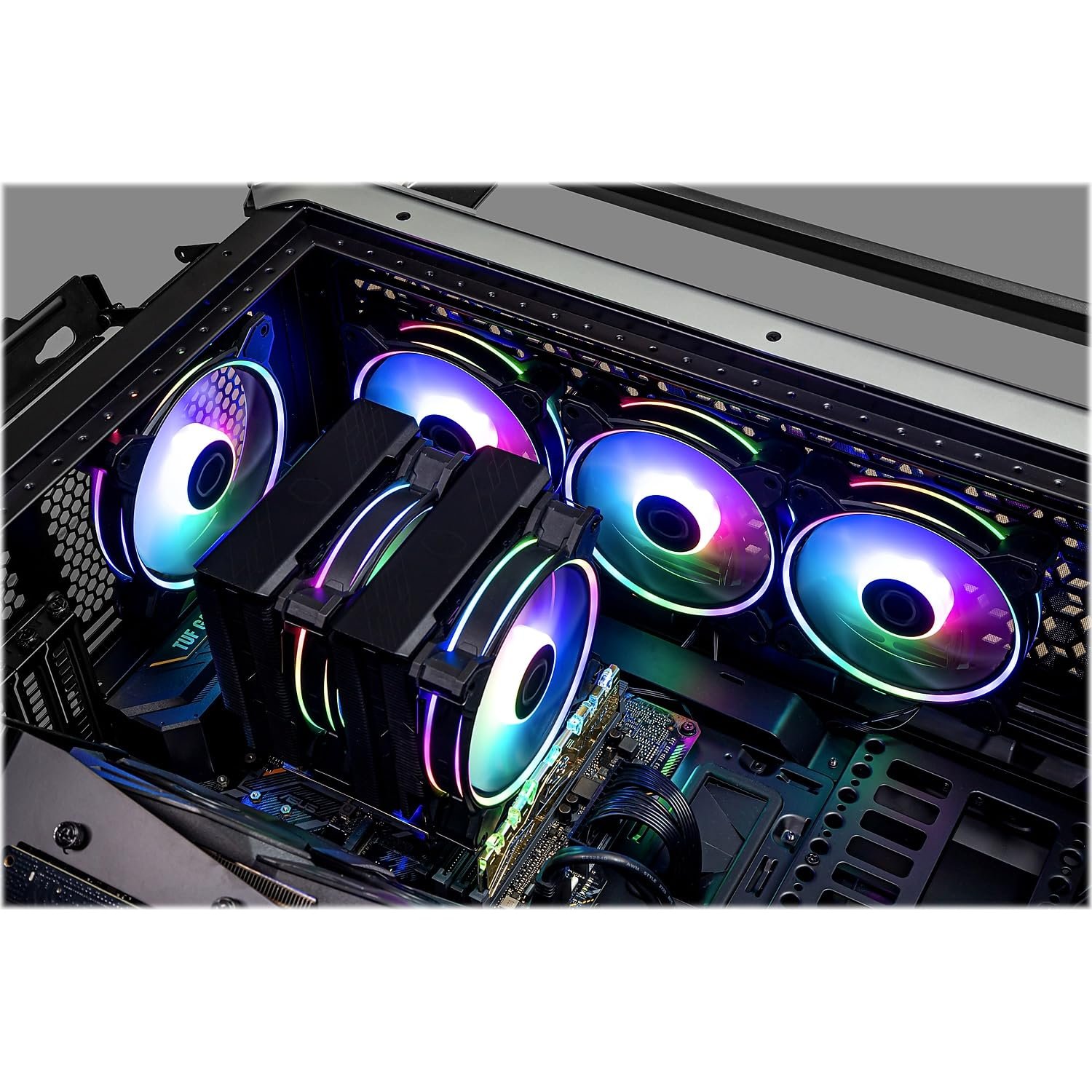
Good airflow is just as important as raw performance, especially in a workstation that's used for hours every day. I chose Cooler Master's Halo RGB fans because they move plenty of air while staying surprisingly quiet, and the dual-ring RGB lighting gives the build a clean, premium look instead of just lighting up the fan blades. They keep the entire system running cool while tying the aesthetics of the build together, making the PC feel as thoughtfully designed as the projects I'm creating on it. I kept 3 of these fans from my last build, so they have been running strong almost daily for over 7 years, and just one of them is finally starting to give.
Lian Li Vector V100 Case
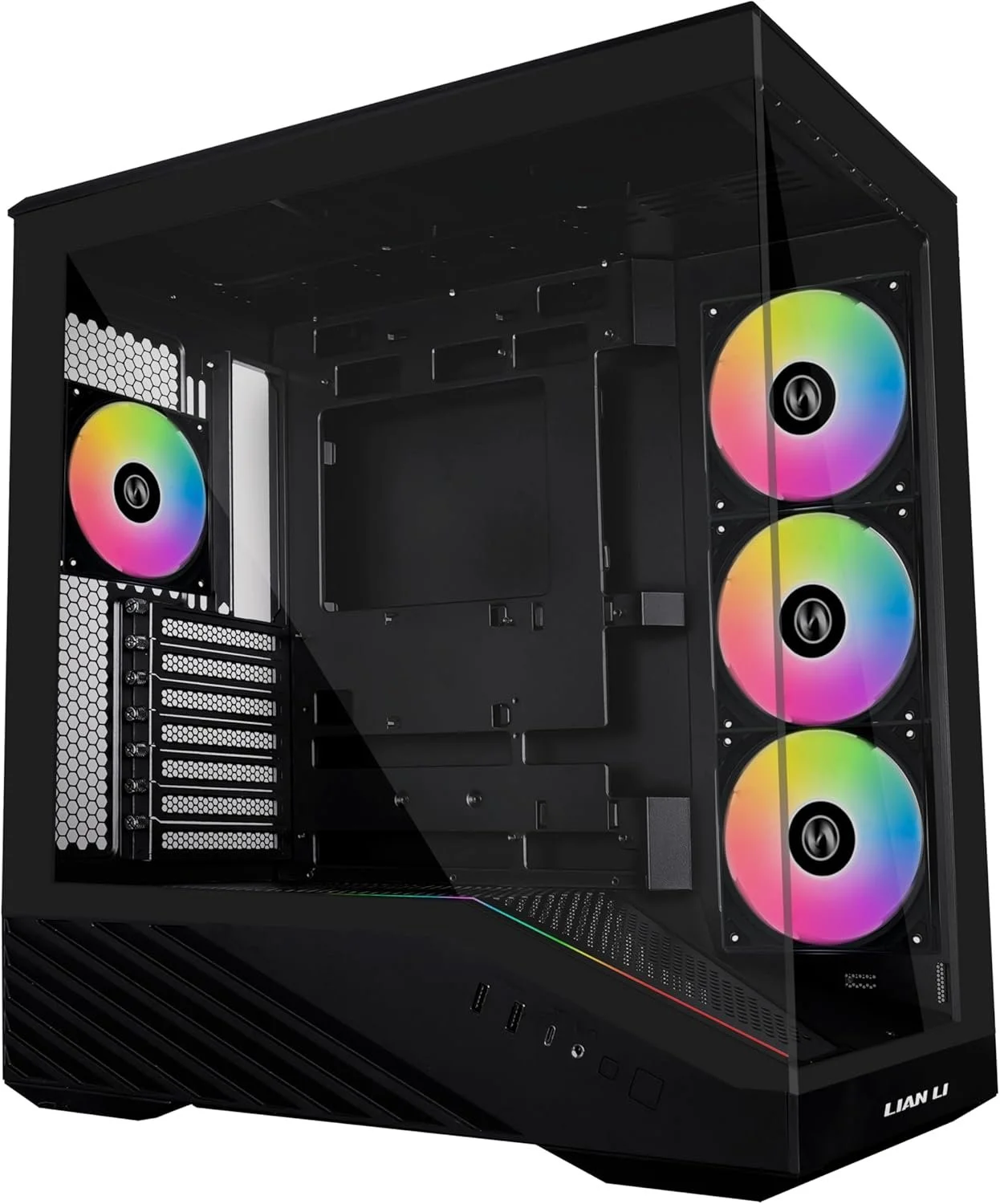
The case is the foundation of any PC build, and I wanted something that balanced clean aesthetics with excellent airflow. The Lancool 207 immediately stood out for its thoughtful internal layout, tempered glass panels, and strong cooling performance without taking up unnecessary space. It was easy to build in, offers plenty of room for upgrades and cable management, and showcases the hardware without feeling excessive. It's a case that prioritizes both form and function, making it a perfect fit for a workstation that's designed to be used every day as much as it is admired.
Peripherals
All the extra pieces that complement my machine.
MSI MAG 274CQF Monitors (Dual Setup)
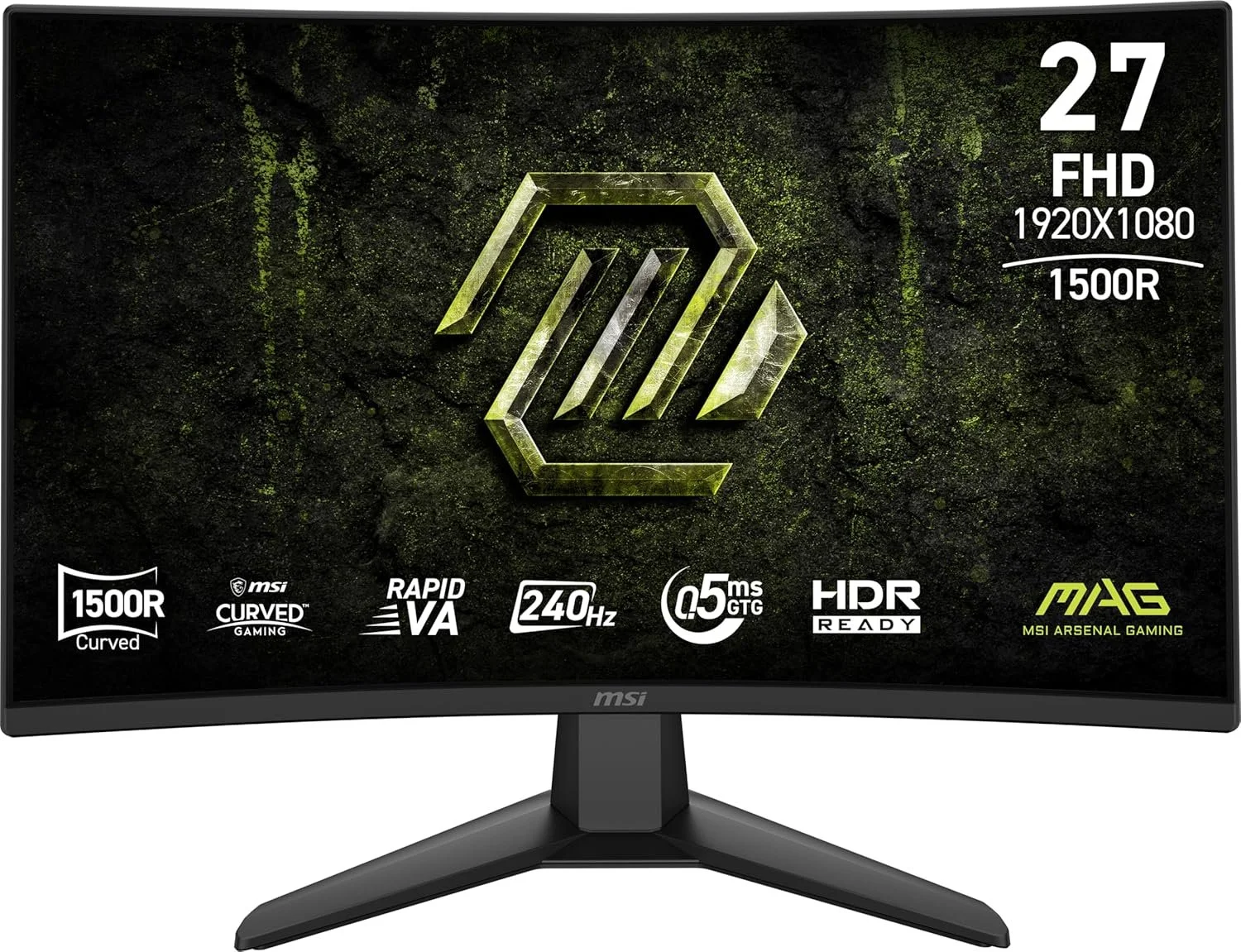
Having two displays completely changes how I work. I actually prefer 3, but I haven’t made it that far with this new setup yet. One screen is almost always dedicated to my active project, whether that's Fusion 360, Illustrator, or this website, while the second holds reference images, documentation, YouTube, email, or Spotify. It keeps my workflow organized and dramatically reduces the time spent switching between windows.
Razer Mamba Elite Mouse
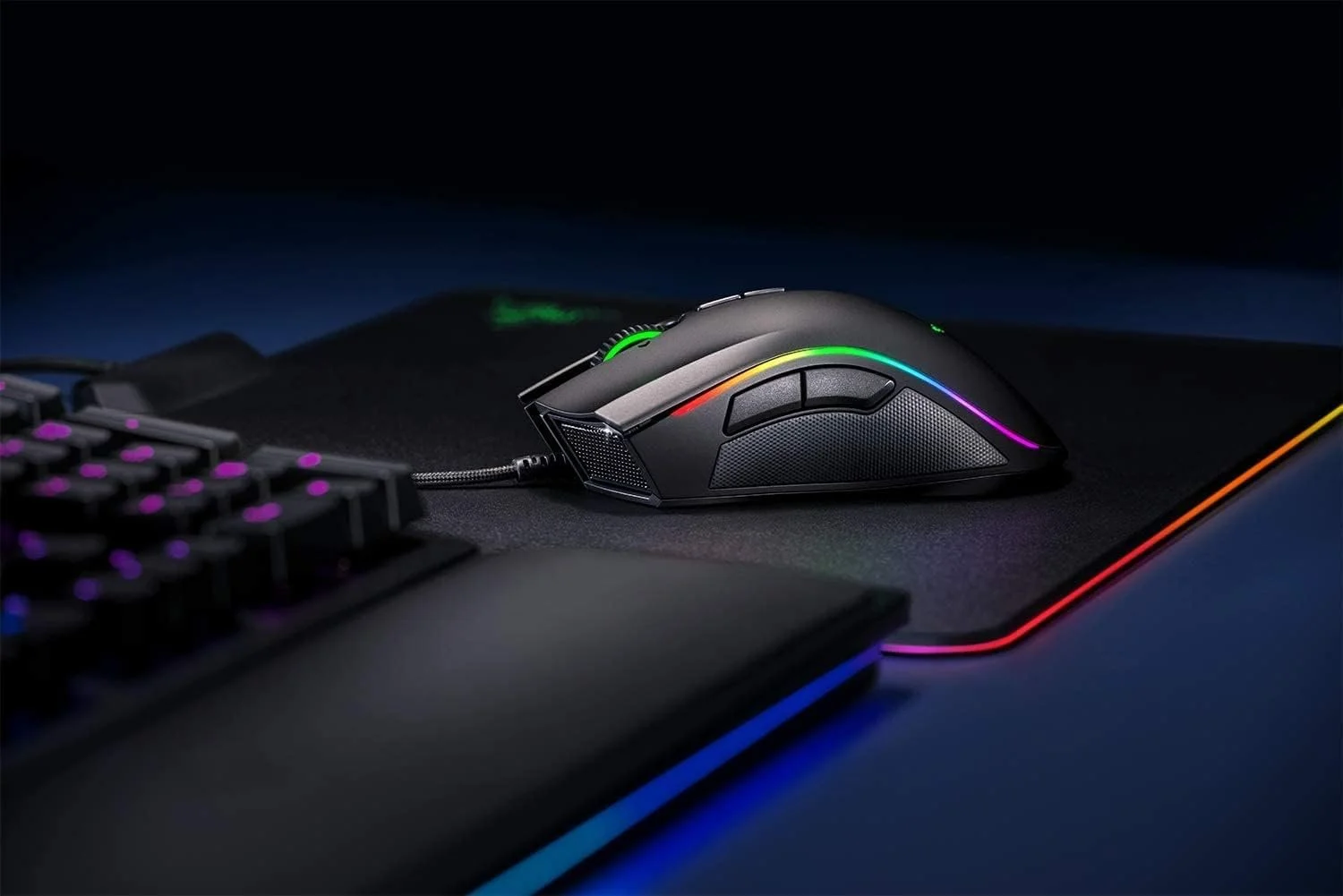
A good mouse is easy to underestimate until you're using CAD every day. The Mamba Elite fits my hand comfortably during long work sessions, tracks accurately, and includes programmable buttons that make common actions quicker. Whether I'm modeling parts, editing photos, or navigating large drawings, it's become one of the most important tools on my desk. While they no longer produce this mouse, I still recommend it because it has given me zero issues for over 5 years of heavy use. Another incredible mouse is the Razer DeathAdder Elite, which I have to add as well because it is the most comfortable mouse I have ever used, which deserves huge kudos because I have very big hands.
Razer BlackWidow V4 Keyboard
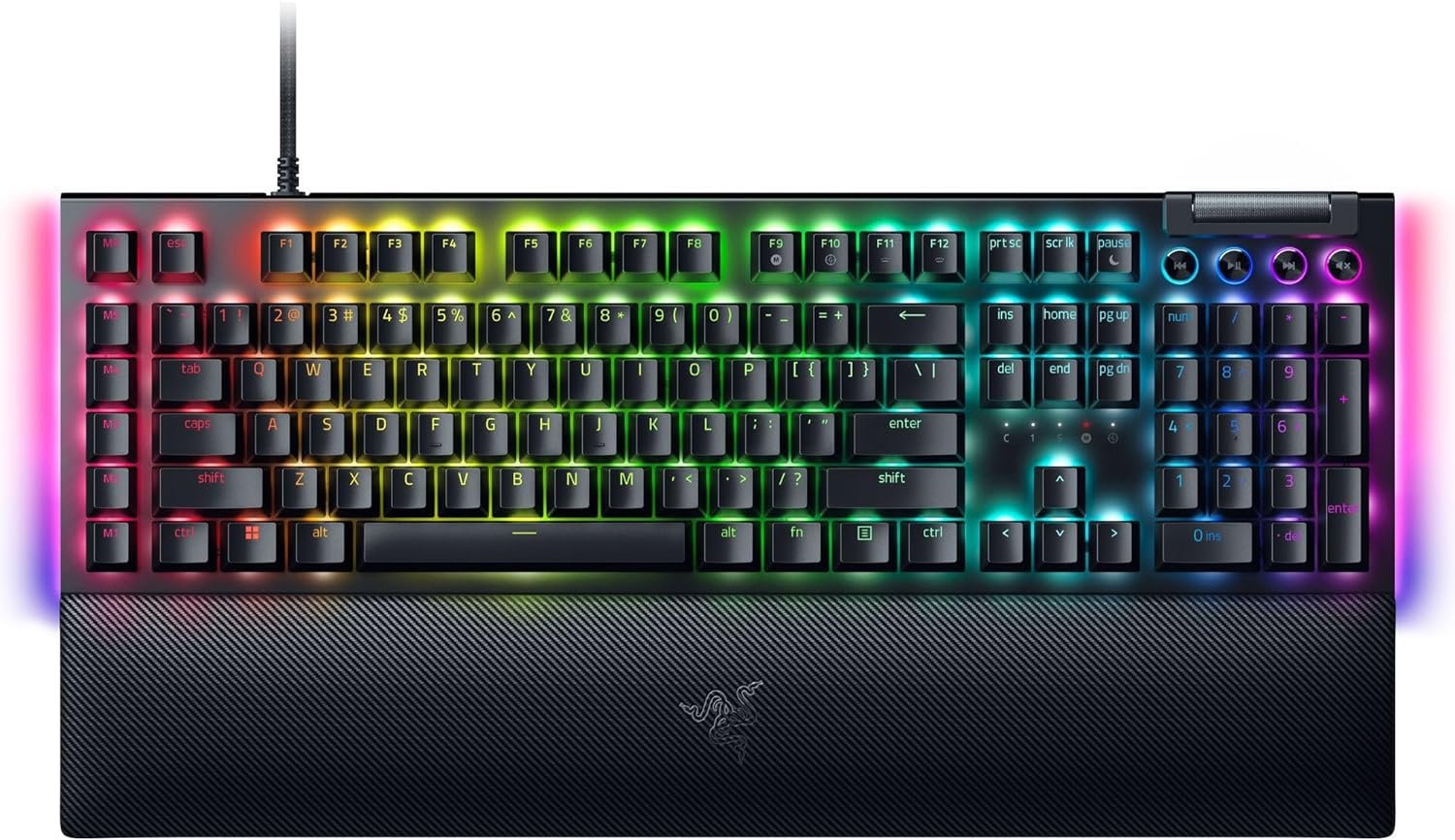
I spend just as much time typing as I do designing. Between documentation, blog writing, emails, reports, and class assignments, a keyboard isn't just a gaming accessory—it's a productivity tool. The BlackWidow V4 has a comfortable typing feel (I love the yellow switches), and has lasted me years without an issue. I am starting to have some keys stick on my backup V3 after about 5 years of heavy use, so if you have other keyboard recommendations send them my way.
Razer Firefly V2 Hard Edition Mouse Pad
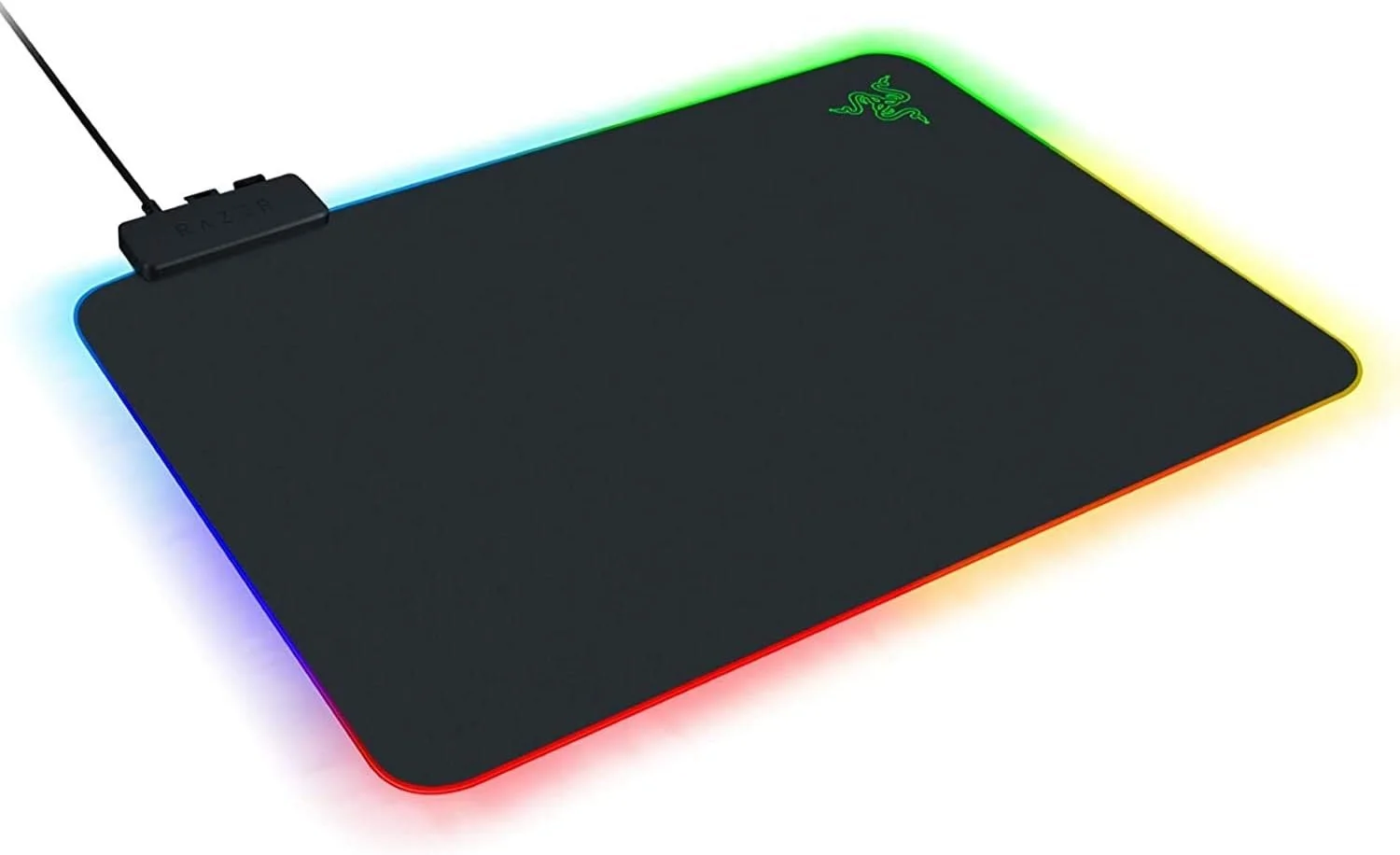
A quality mouse pad isn't something most people think about, but after years of use I've come to appreciate having a hard, consistent tracking surface. It's easy to clean, provides smooth mouse movement, and gives the workspace a more finished appearance than a standard cloth pad.
Mouse Bungee
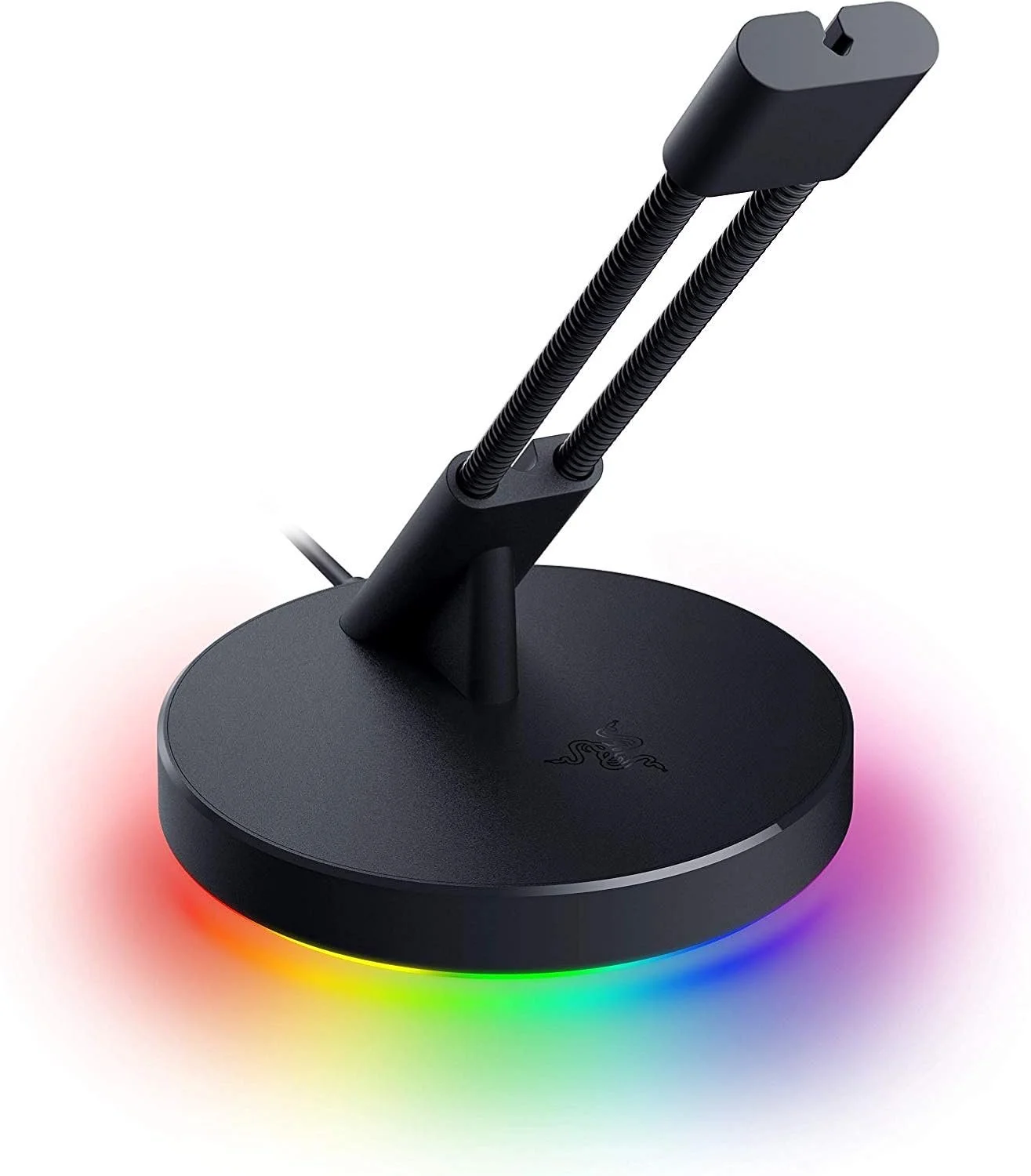
This is probably the least expensive (and most ridiculous) item on my desk, yet one of the most satisfying. Keeping the mouse cable suspended eliminates drag across the desk, making movement feel smoother and more consistent. It's a small improvement that you stop noticing because it simply works.
Razer Kraken V4 X Headset
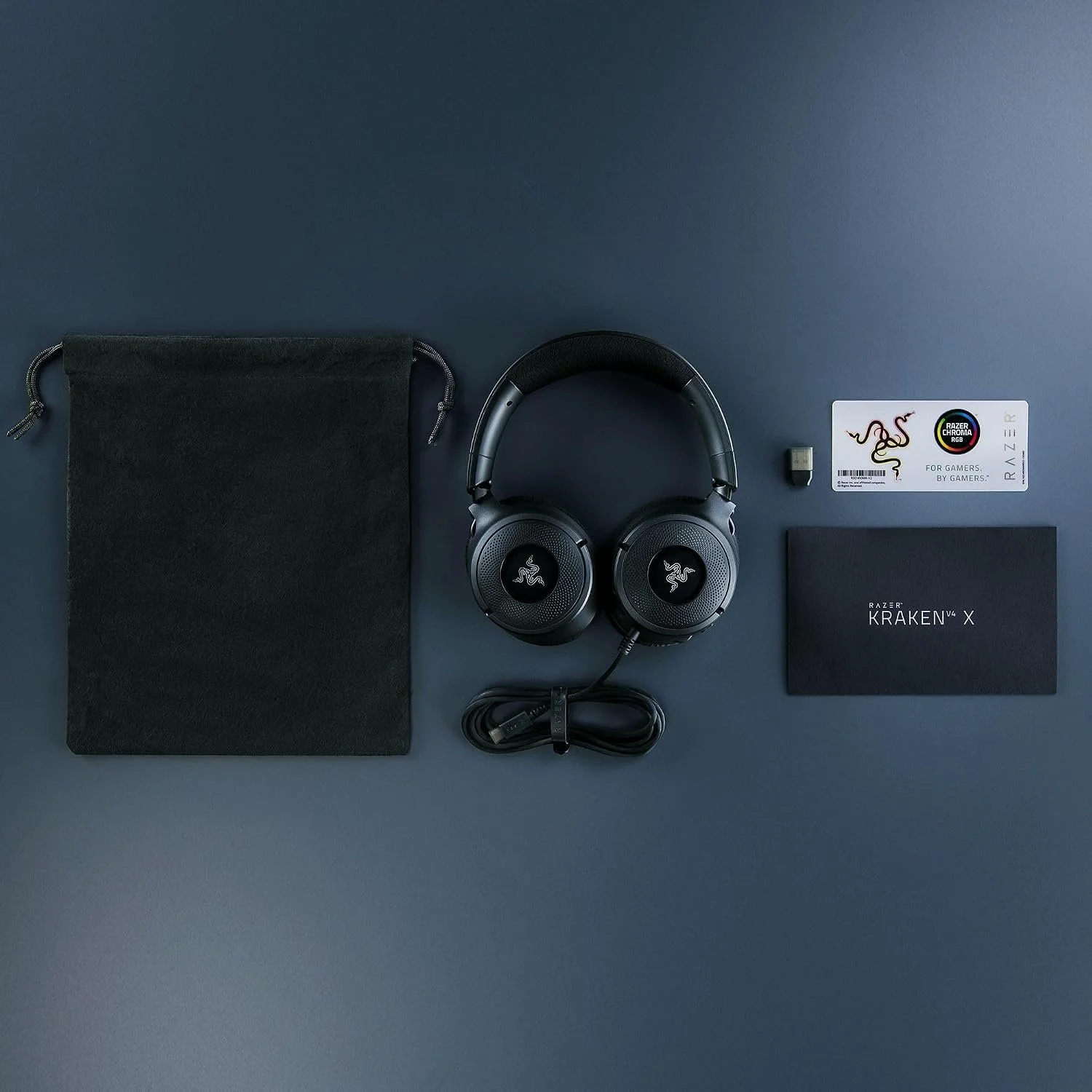
Whether I'm editing video, listening to music while working, joining online meetings, or relaxing with friends after class, a comfortable headset is essential. The Kraken V4 X delivers clear audio, a solid microphone, and enough comfort that I can wear it for hours without thinking about it, all at an affordable price.
Xbox Controller
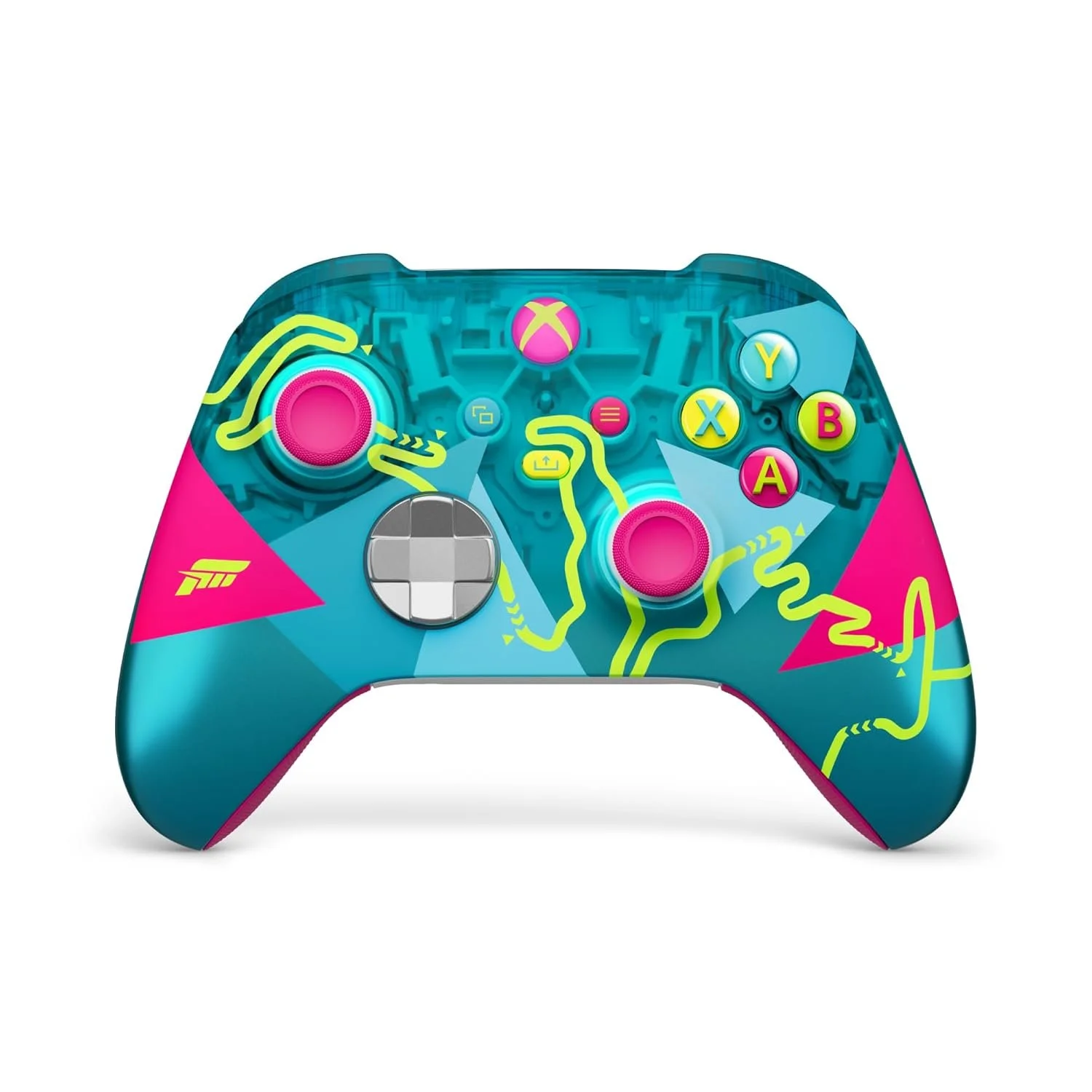
Sometimes the best way to solve a design problem is to step away from it for a while. I enjoy unwinding with games like Rocket League, and having a dedicated controller ready to go makes it easy to switch gears after a long day in the studio. A workspace should support productivity, but it should also be a place you enjoy spending time. This Forza Horizon 6 controller also looks and feels amazing.
Logitech Z313 Speakers
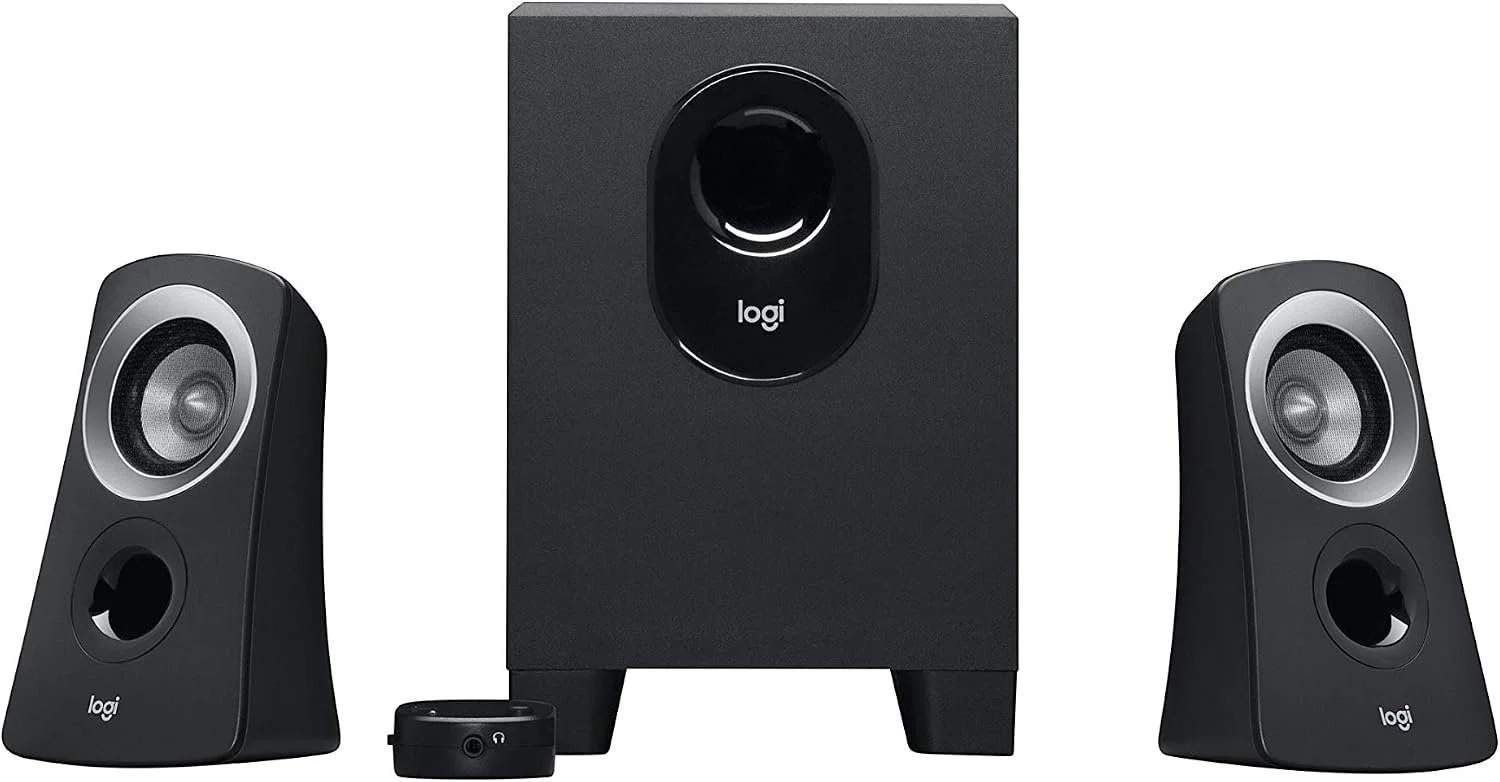
While I use a headset frequently, I don't always want something on my head. The Logitech Z313 speakers have been a great everyday audio solution for music, YouTube, and general desktop use. They offer clear sound, a compact footprint, and a dedicated subwoofer that adds just enough low end without overwhelming a small room. They're simple, affordable, and have been a dependable part of my desk setup for over 10 years.
Other Things in my Workspace
These things are just as important to my setup as the PC itself.
CyberPower Sinewave Battery Backup (UPS)
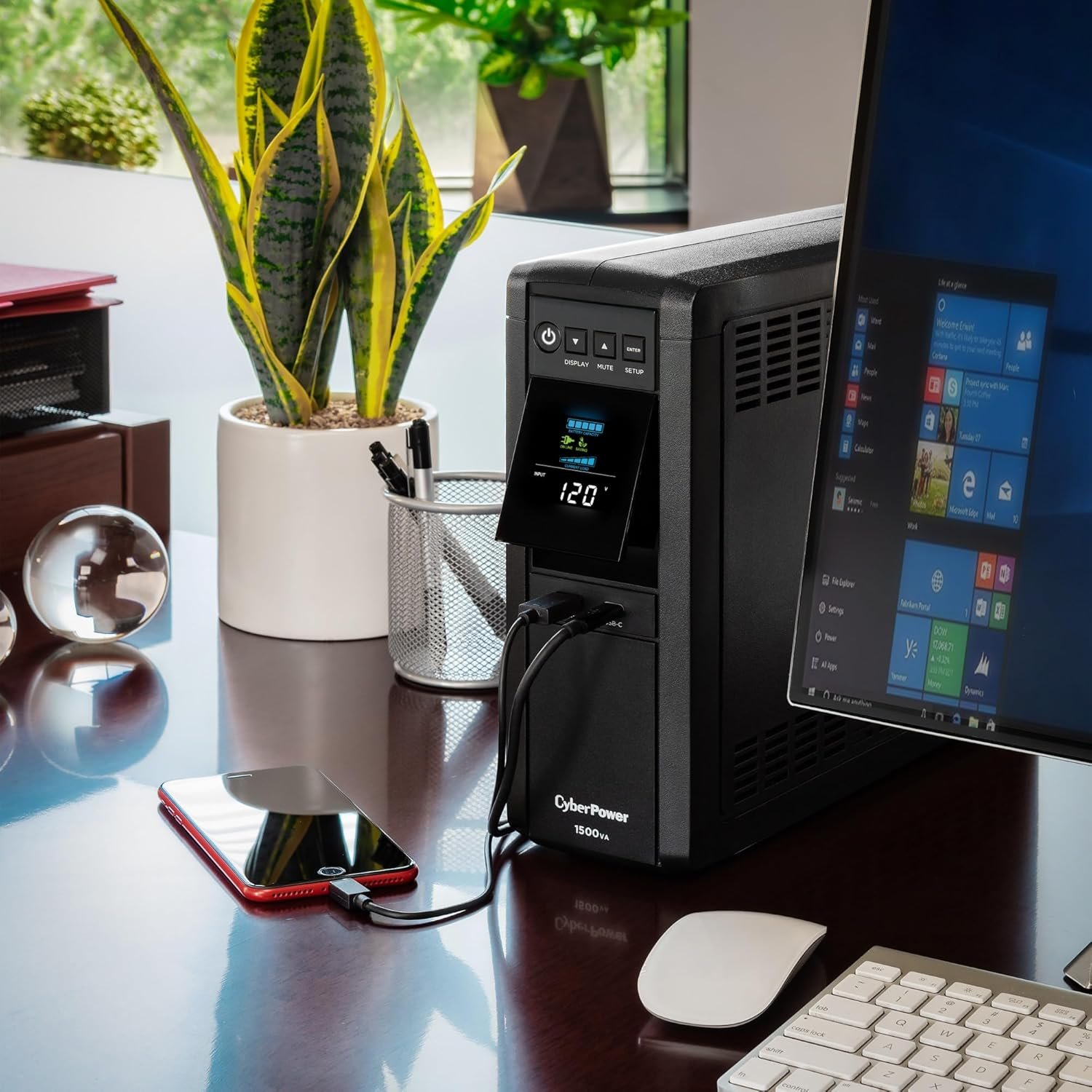
One of the least exciting purchases I've made has also been one of the smartest. Design projects often involve hours of unsaved work, and a sudden power outage is all it takes to lose it. My CyberPower 1500VA UPS gives me enough time to save what I'm working on and safely shut down my computer if the power goes out. Beyond backup power, it also provides surge protection for my entire workstation, giving me some extra peace of mind knowing the investment I've made in my computer is protected.
Sonos Era 100 SL
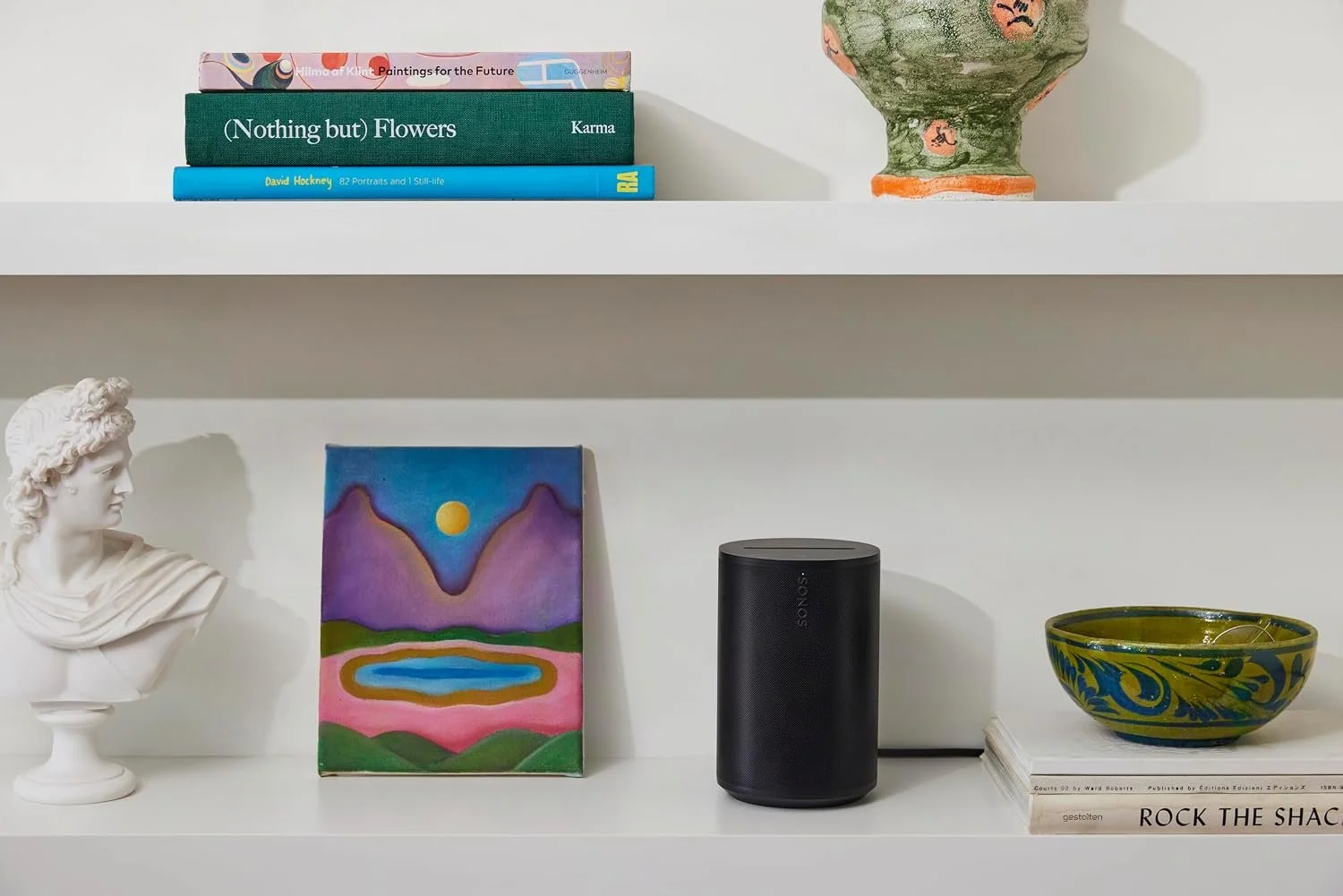
When I really want to enjoy music while working, I switch over to my Sonos Era 100. It fills the room with rich, balanced sound that's a noticeable step up from standard desktop speakers. Whether I'm sketching, editing photos, writing, or simply taking a break, good audio makes the workspace feel more inviting. The Era 100 has remained one of my favorite speakers because of its excellent sound quality, reliable performance, and compact design that fits neatly on my desk without taking up valuable workspace. Sonos quality and integration is top-notch, and I love their products.
GTRACING Chair
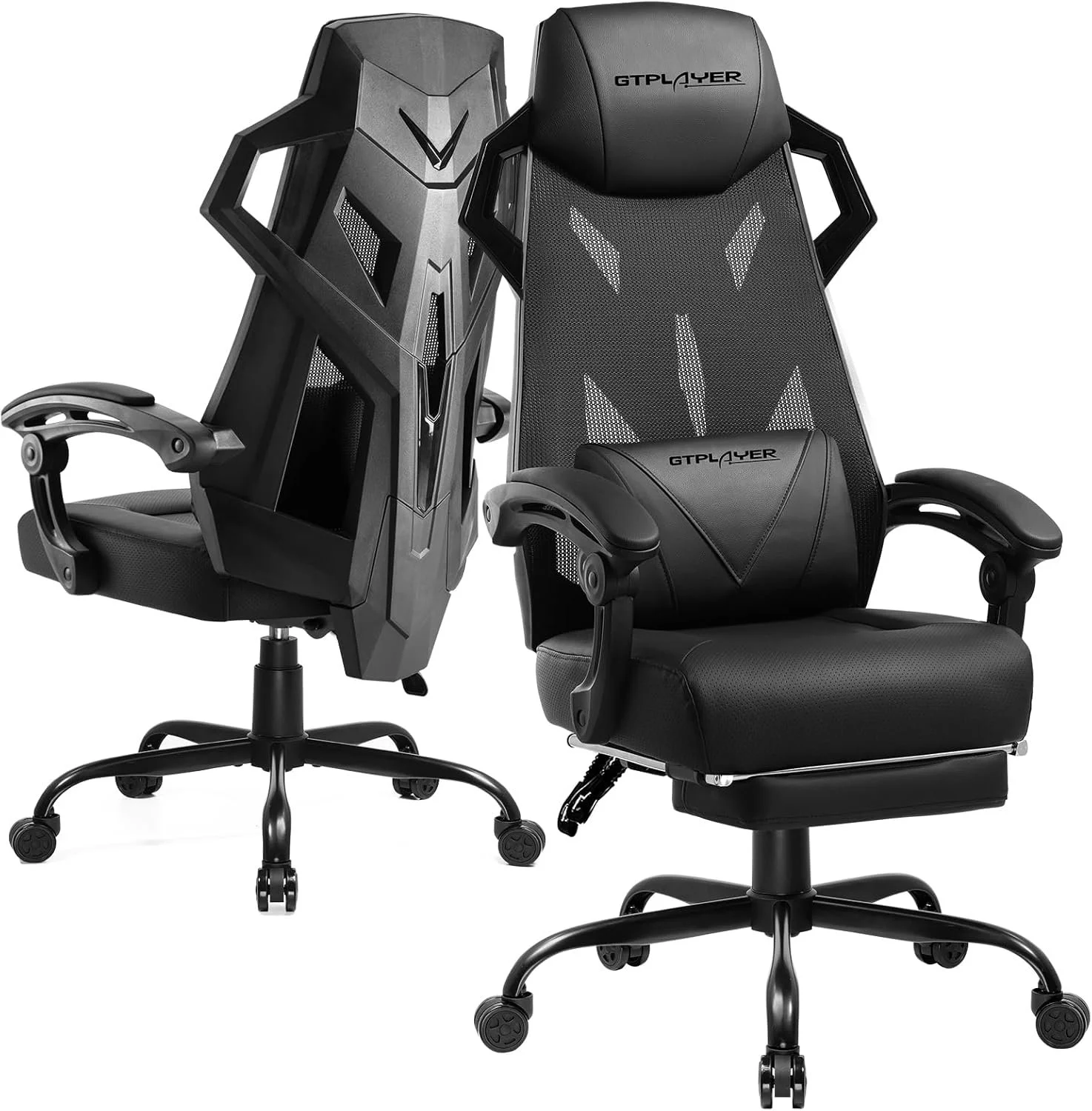
I spend countless hours at my desk between design work, writing, research, and editing, so comfort matters more than flashy features. This chair has been a great balance of support, adjustability, and value. Long CAD sessions, late-night deadlines, and marathon editing projects are all much easier when your chair disappears into the background and lets you focus on your work. My previous GTRACING chair lasted me nearly 10 years. I definitely think the mesh chair is a big upgrade.
Anker Charging Station (9-in-1, 100W)
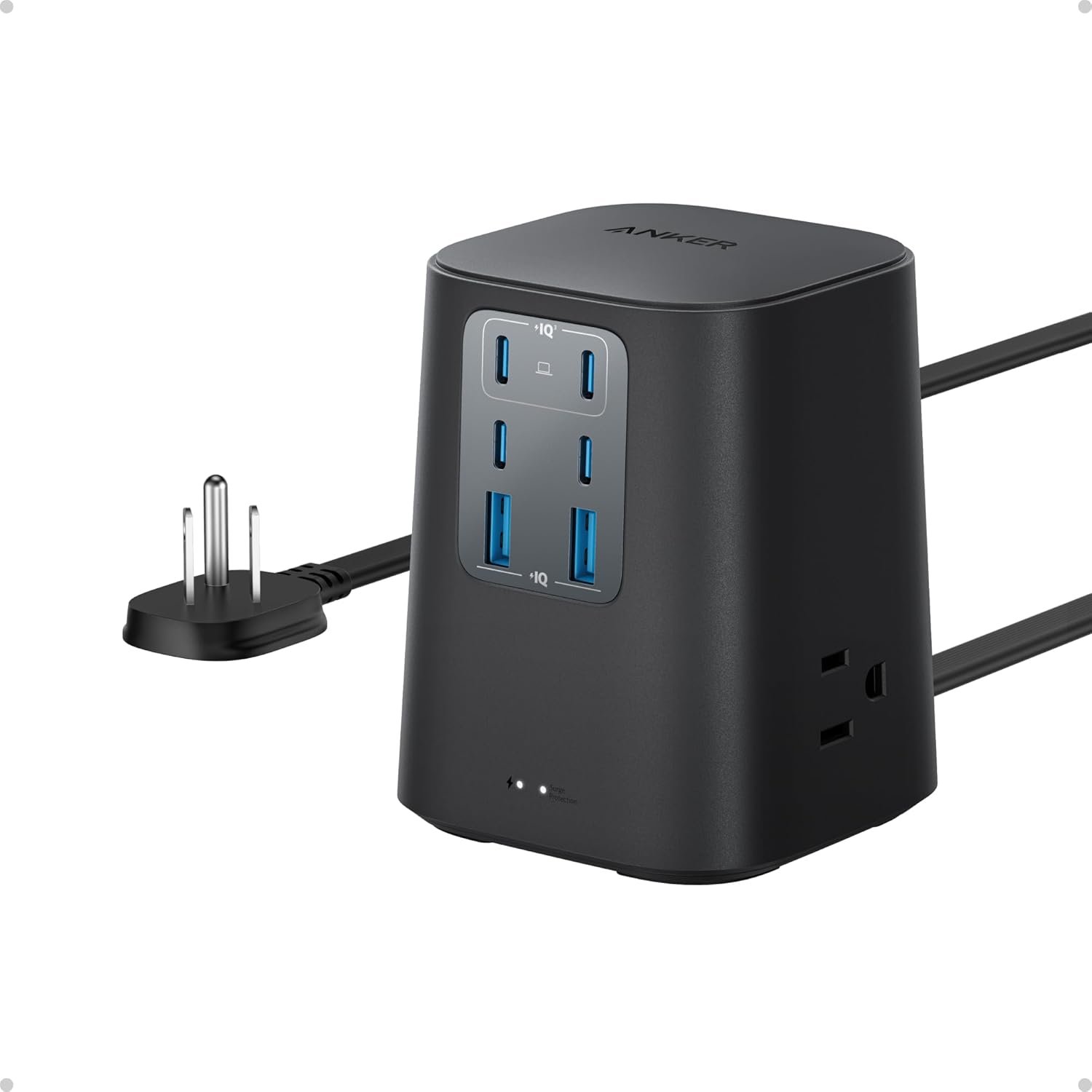
This has become the central charging hub for my entire workspace. Instead of juggling multiple charging bricks and extension cords, everything runs through one compact station on my desk. Between my laptop, phone, wireless peripherals, camera batteries, and other devices, having a single place to plug everything in keeps the workspace cleaner and far more organized. The combination of multiple USB-C ports, USB-A ports, and AC outlets means I rarely run out of places to plug something in, and the 100W USB-C output is powerful enough to charge my laptop without needing its original power adapter. It has quietly become one of the most useful additions to my desk—not because it's flashy, but because it eliminates clutter and simplifies my daily workflow.
LEVOIT Core 300 Air Purifier
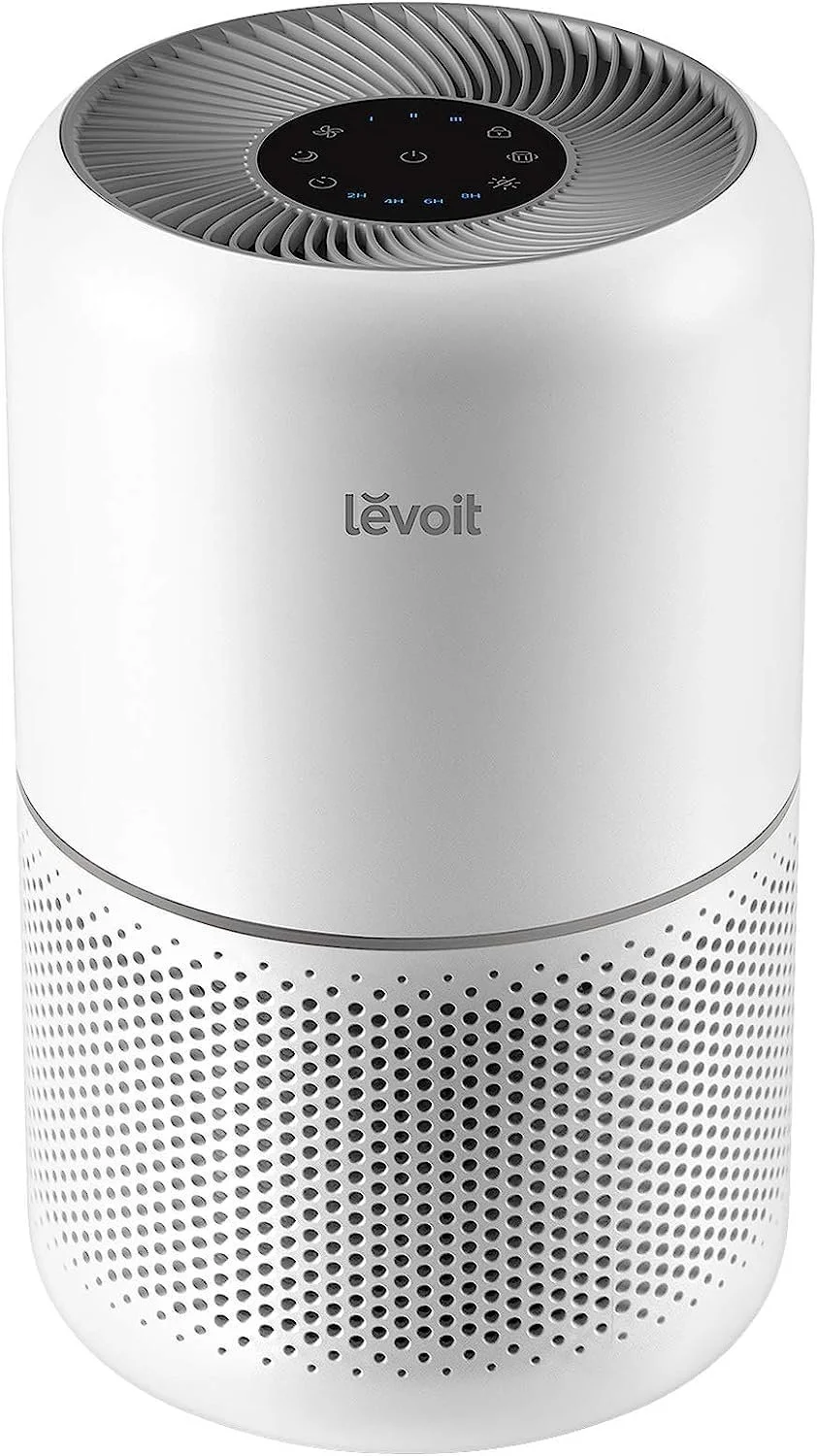
An air purifier wasn't something I originally planned to buy, but it's become one of the most appreciated additions to my workspace. When you're spending hours at a desk every day, the environment around you matters just as much as the hardware you're using. The LEVOIT Core 300 runs quietly in the background, helps keep the air feeling fresh, and does a great job reducing dust and allergens—especially important around computers and electronics. It's one of those products you don't actively think about once it's running, but you definitely notice when it's not. For anyone building a workspace where they'll spend long hours studying, designing, or creating, it's a simple upgrade that makes the room noticeably more comfortable.
TP-Link Litewave Ethernet Switch
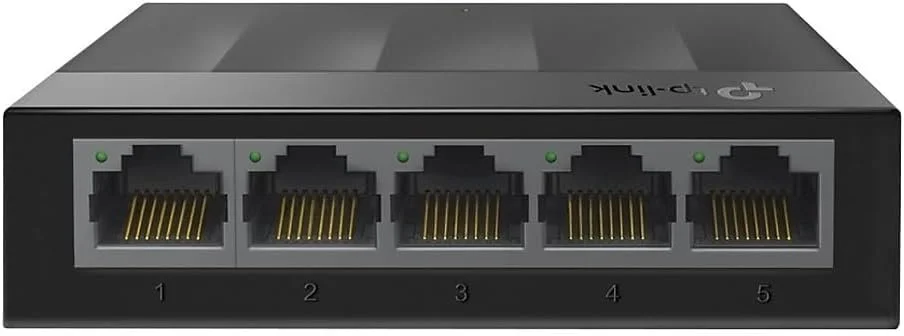
As my workspace grew, so did the number of devices that needed a wired internet connection. This compact, and incredibly cheap, Gigabit switch made it easy to expand my network without any setup or configuration. It's fast, completely silent, and one of those devices you install once and never have to think about again. For a workstation with multiple computers, printers, or other networked devices, it's a simple upgrade that keeps everything connected reliably.
Bostitch Desk Lamp
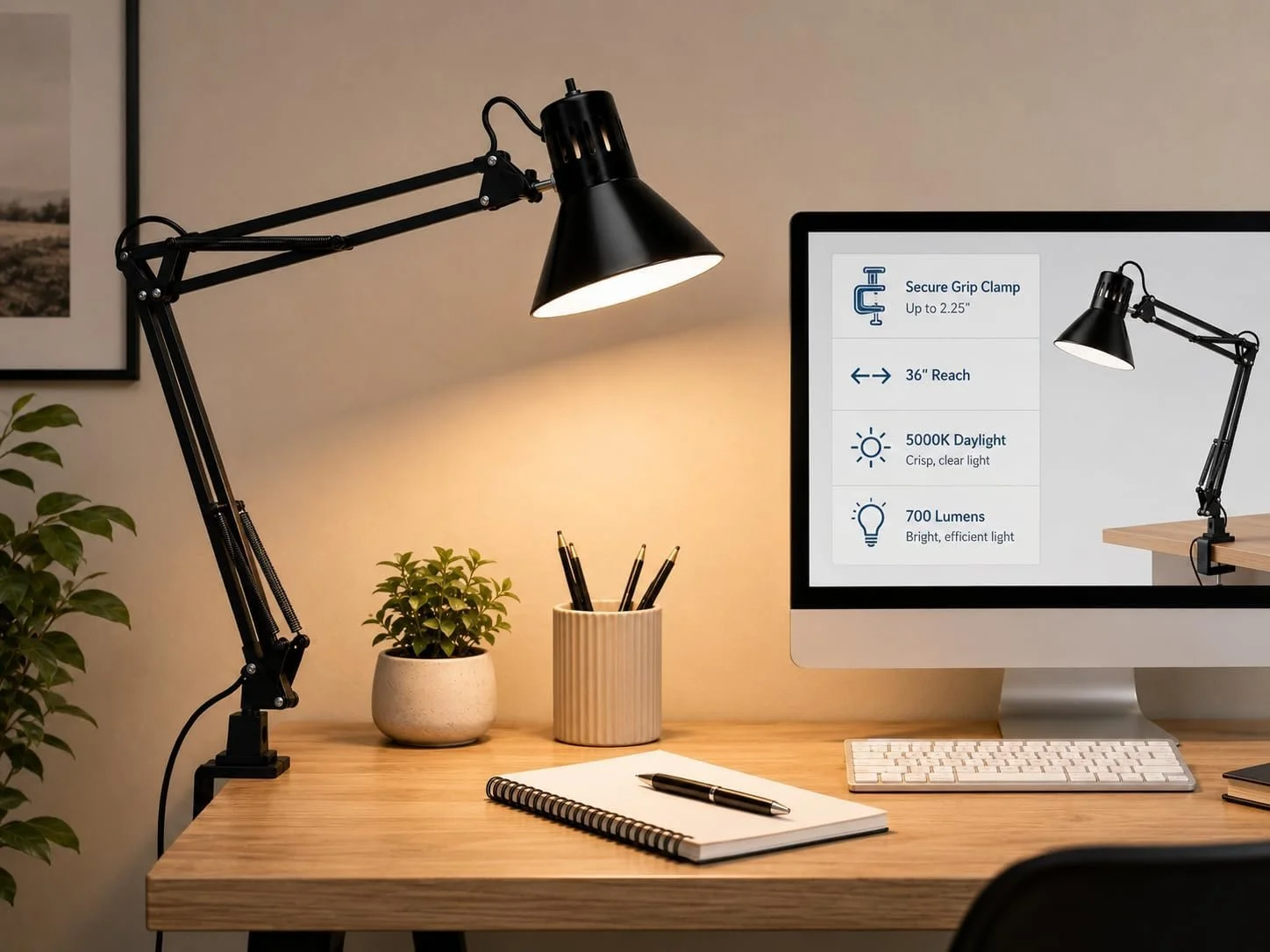
Lighting can completely change how a workspace feels, especially when you're sketching, reading, or working on detailed projects. I love this Bostitch lamp because its long swing arm and clamp mount keep my desk clear while letting me position light exactly where I need it. The all-metal construction feels solid, the LED provides bright, even light, and the minimalist design fits naturally into my workspace. It's one of those simple upgrades that makes long design sessions more comfortable and productive.
Final Thoughts
Building this workspace didn't happen overnight. It's the result of years of slowly upgrading the tools I use most, keeping what works, and replacing what doesn't. Every item here has earned its place because it solves a problem, improves my workflow, or simply makes spending long hours designing and working more enjoyable.
Whether I'm modeling in Fusion 360, fussing with Illustrator, restoring electronics for my eBay business, writing articles, or planning projects for the theater, this is the environment that supports all of it. I don't believe you need the most expensive equipment to do great work—just tools that are reliable, thoughtfully designed, and fit the way you work.
If you're building your own workspace, I hope this gave you a few ideas. These are products I genuinely use every day, and I'd happily recommend them to any designer, engineer, maker, or student looking to create a workspace they'll enjoy spending time in.
As a final tip, and I cannot stress this enough; if you know ANYONE who works at MicroCenter, BUY ALL OF THIS DURING THE FRIENDS AND FAMILY DISCOUNT. This is a quarterly event they offer where friends and family of employees get employee pricing on everything in the store. I saved probably $1,000 on my build with this discount. Every single item was discounted to some extent, RAM, CPU, all of it. I got the Lian Li case for $32 new. 2 year full coverage protection plan on my GPU for $4. It is absolutely unreal. So, go make a friend at MicroCenter.
Affiliate Disclosure: Some of the links in this article are affiliate links. If you choose to purchase through them, I may earn a small commission at no additional cost to you. I only recommend products that I personally own, use, and believe are worth sharing. Your support helps me continue creating projects and free content like this.
